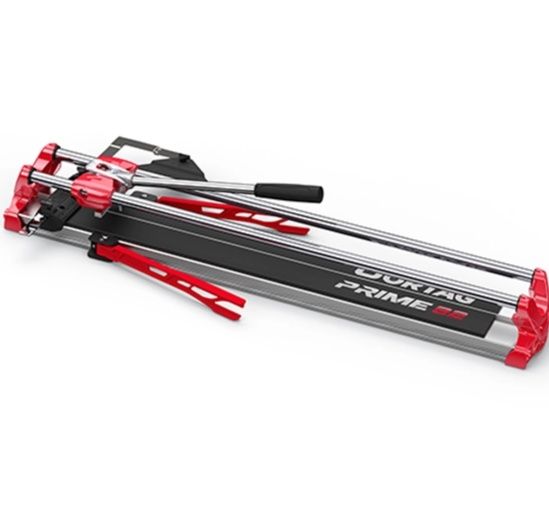
Manual tile cutter scoring wheels make a consistent score before a ceramic tile is snapped. A discontinuous score, sticking wheel or visibly damaged edge may indicate wear, but cracking can also result from poor tile support, incorrect breaker technique or an incompatible tile.
What Does a Tile Cutter Scoring Wheel Do?
The scoring wheel moves along the tile surface to form a controlled line for snapping. Wheel dimensions and mounting designs vary by cutter model; do not assume an arbitrary replacement wheel fits your tool.
Five Signs of a Scoring Wheel Problem
- Discontinuous scoring lines despite steady operation.
- Wheel rotation that feels stuck or rough.
- Uneven scoring depth with consistent setup.
- Unpredictable breaks after checking tile support and breaker positioning.
- Visible damage or abnormal wear around the wheel.
Diagnose Before Replacing the Wheel
Symptom | Possible issue | Check |
|---|
Weak score | Wear or technique | Wheel and manufacturer instructions |
Tile breaks away from line | Support or breaker | Bed, breaking mechanism, tile compatibility |
Wheel jams | Debris or axle fault | Cleanliness and movement |
Thick porcelain cracks | Unsupported material | Thickness and approved tile types |
Crooked cut | Alignment or movement | Guide and positioning |
How to Inspect a Tile Cutter Wheel
- Stop work and secure the tool per its manual.
- Clear dust from the wheel and mount using manufacturer-approved methods.
- Inspect for damaged or flattened edges.
- Check wheel rotation and mounting without forcing stuck parts.
- Verify tile thickness and material compatibility.
- Use the model-specific service instructions for replacement.
How to Replace a Manual Tile Cutter Scoring Wheel
Replacement steps vary by model. Identify the approved spare part, remove and refit it as directed by the manufacturer, secure the mounting correctly and test on compatible tile. Never modify the cutter mechanism to fit an unapproved wheel.
Can Any Scoring Wheel Fit a CORTAG Cutter?
No. Match the wheel and its mounting to your exact model, such as PEC-65, Super 900 or Mega 155. Cutter dimensions alone do not establish spare-part compatibility.
When Should You Replace the Cutter?
If rails, support or breaker are damaged, a wheel replacement alone may not fix cutting problems. If your tiles exceed the cutter's approved capacity, consider a suitably rated cutter.
Compare Manual Tile Cutters
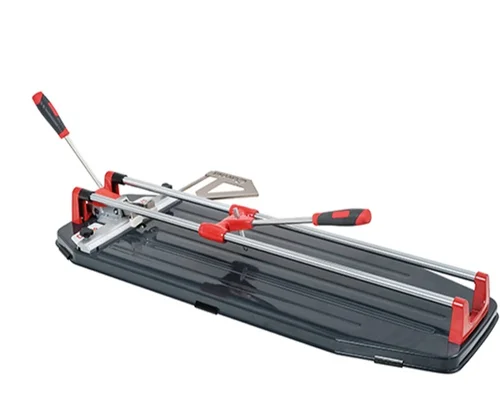
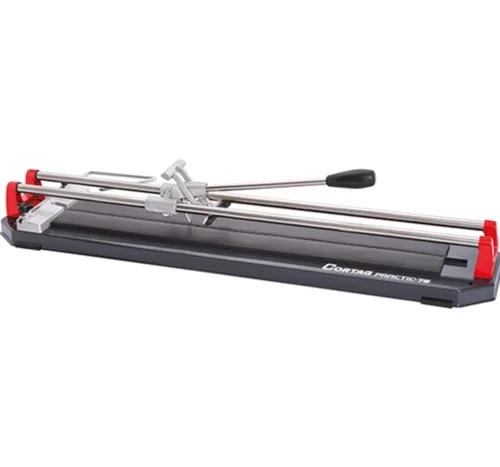
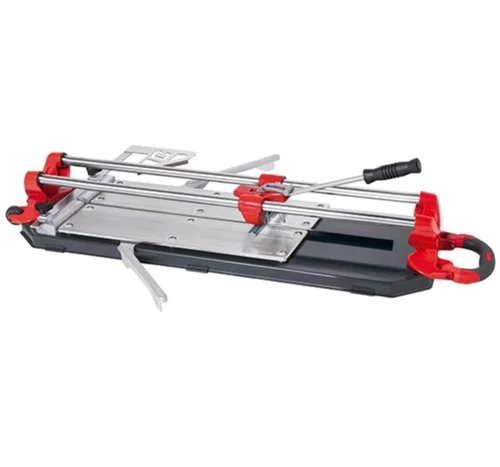
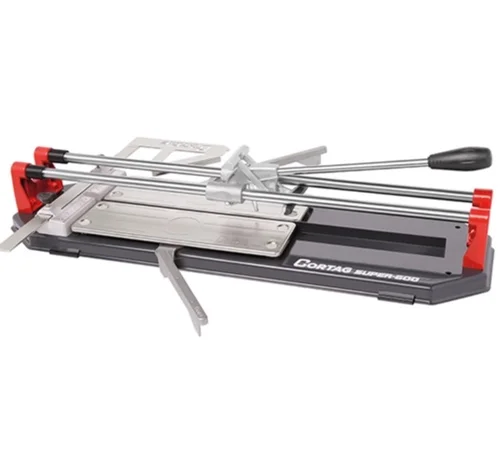
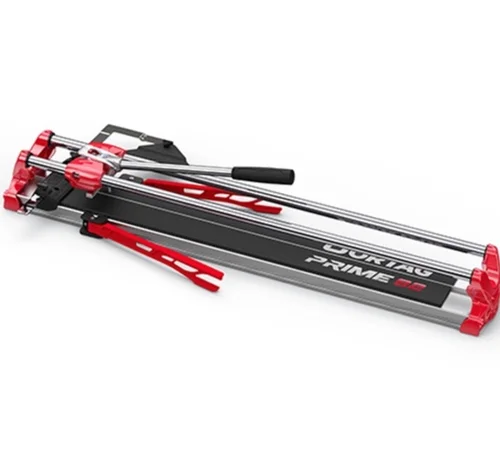
See the CORTAG manual tile cutter buying guide and 60 vs 90 vs 155 cm cutter comparison. Compare CORTAG PEC-65 or shop the range of CORTAG tile cutters.
Frequently Asked Questions
Why does a manual tile cutter fail to cut straight?
Possible causes include wheel wear, alignment, poor tile support or incorrect snapping technique. Inspect each before buying parts.
How often should a scoring wheel be changed?
There is no universal interval; follow the manufacturer's instructions and replace when worn or damaged.
Can a wheel for ceramic tiles score porcelain?
Only if the wheel and cutter are rated for the specific porcelain and thickness.
Can extra pressure fix a worn scoring wheel?
Not necessarily. Excessive pressure can make breakage worse; identify the underlying issue.
Shop CORTAG Manual Tile Cutters in Saudi Arabia
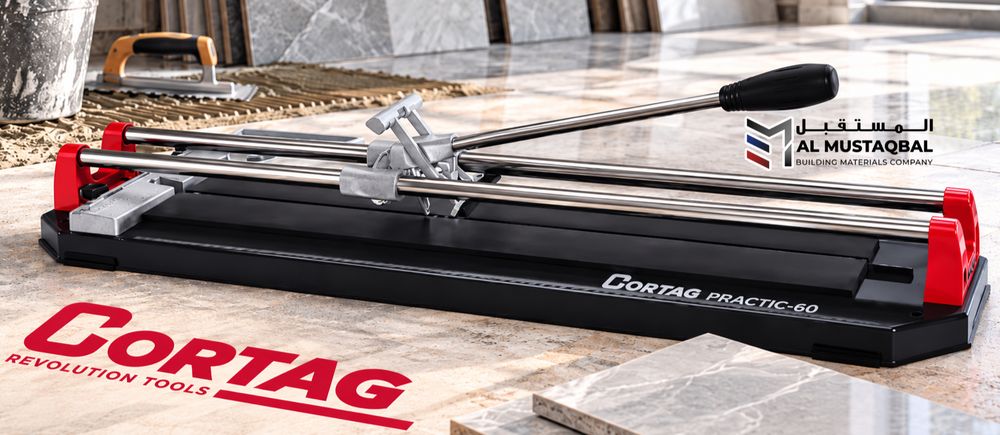
Compare the right cutter for your tile dimensions, thickness and work pattern. Explore CORTAG cutters at Al Mustaqbal Building Materials and check product specifications before ordering.



 Tiles & Ceramics